
Your whole alumni office. One console.
Directory, events, campaigns, fundraising, workflows and a branded alumni portal — run together, from the same data, by your whole team.
- 12modules
- in one console
- 1portal
- on your own domain
- 4access levels
- for every team area
- 0spreadsheets
- to keep in sync
What's inside
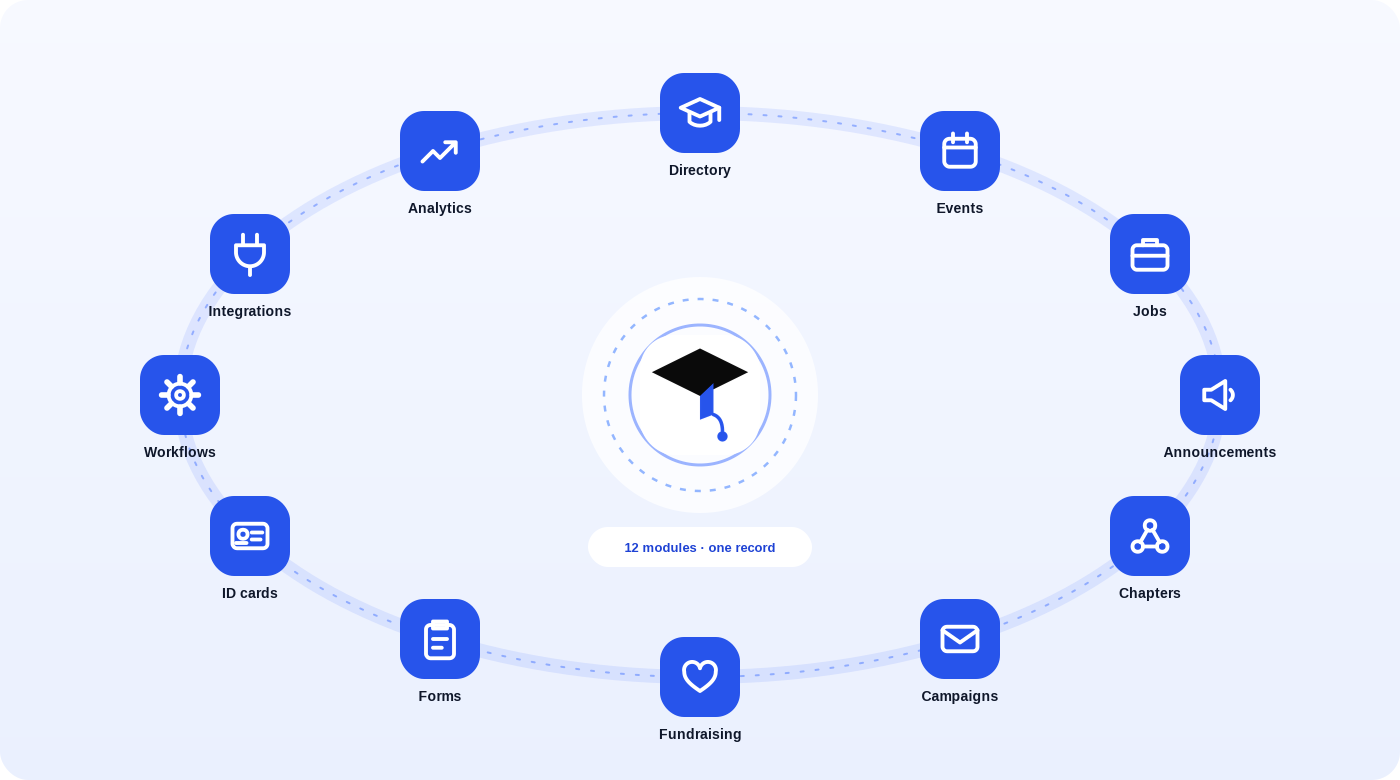
Twelve modules. One source of truth.
Every module reads the same alumni records — so an update in the directory shows up in your events, campaigns, chapters and portal at once.
Events
Free or paid registration, tickets, receipts.
Jobs
Post roles for alumni to see in the portal.
Announcements
News and notices, targeted to who matters.
Chapters
City, batch or interest groups that stay current.
Campaigns
Email blasts to the right alumni, tracked.
Fundraising
Bank details, donations and receipts.
Forms
Build surveys and sign-ups, collect responses.
Analytics
Engagement, events and giving at a glance.
Events
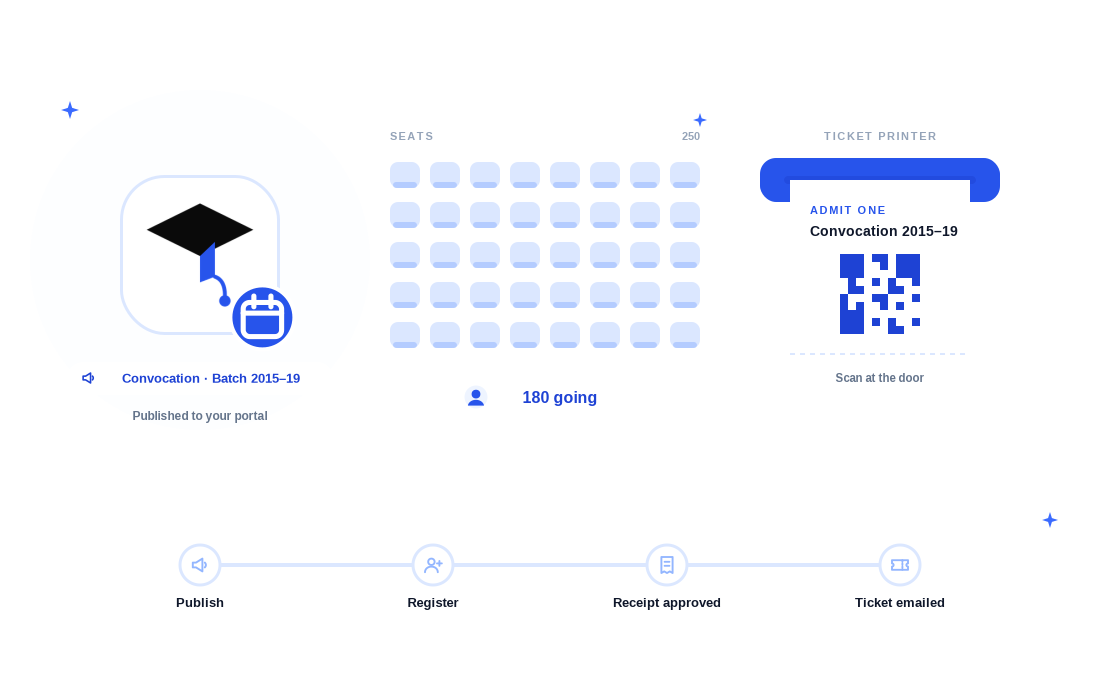
From invite to ticket, without the spreadsheet
Publish an event to your alumni portal, open free or paid registration and watch seats fill. Alumni upload their payment receipt, your team confirms it, and everyone gets a ticket with a QR code by email.
- Free or paid registration with seat limits
- Receipt upload and team approval
- Tickets emailed automatically
Campaigns
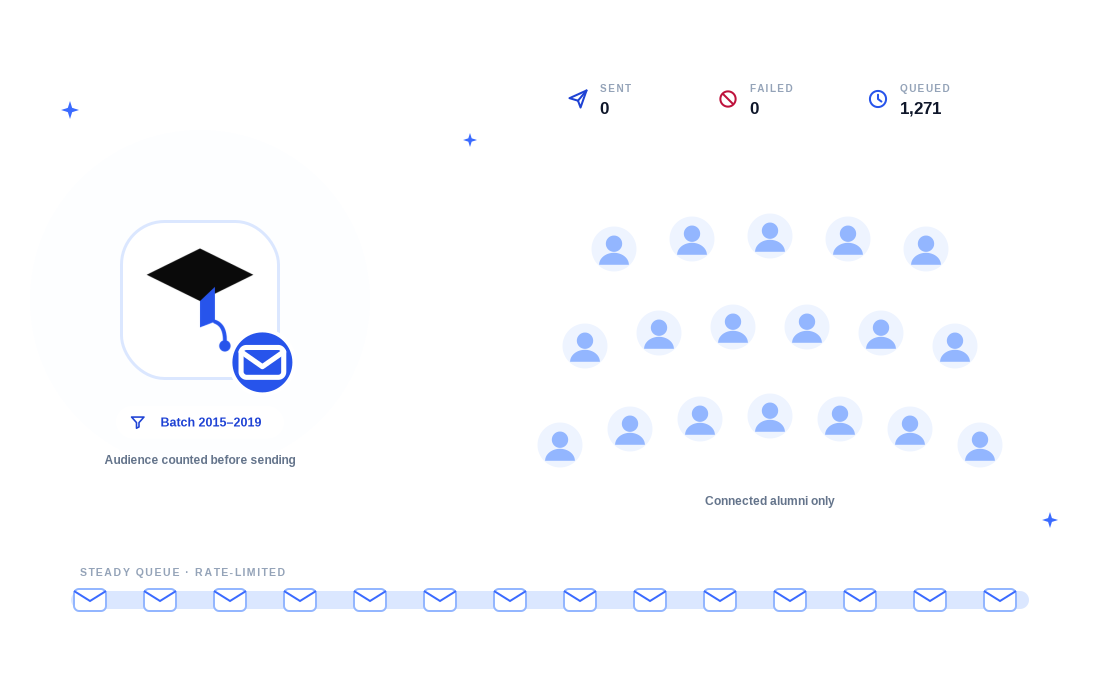
Email the right alumni — and know it landed
Pick an audience by batch, degree or location and AlumniConnect counts exactly who will receive it. Campaigns send through a rate-limited queue, so you can see every sent and failed email, stop, resume or resend.
- Audience by batch, degree, location and more
- Only connected alumni are emailed
- Sent / failed per person, with resend
Workflows
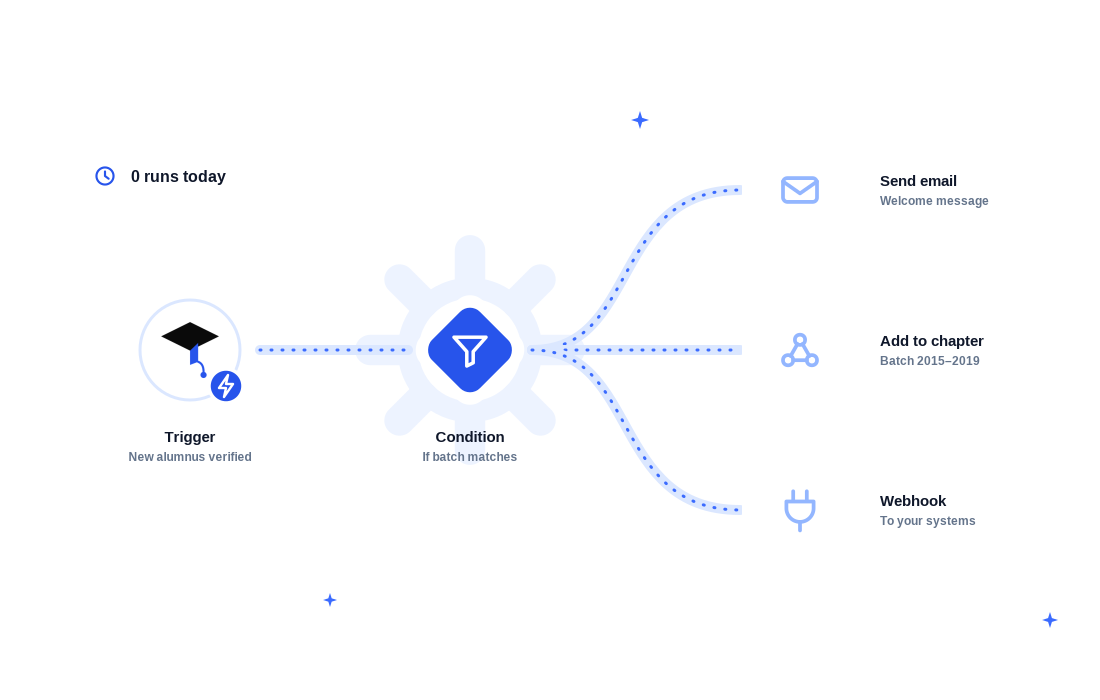
Let the routine work run itself
Build automations with a trigger, conditions and actions — welcome new alumni, add them to a chapter, call a webhook. A background job queue runs them, retries what fails and keeps a full log.
- Triggers from alumni, events, jobs and more
- Actions across email and your connected apps
- Job queue with history and retries
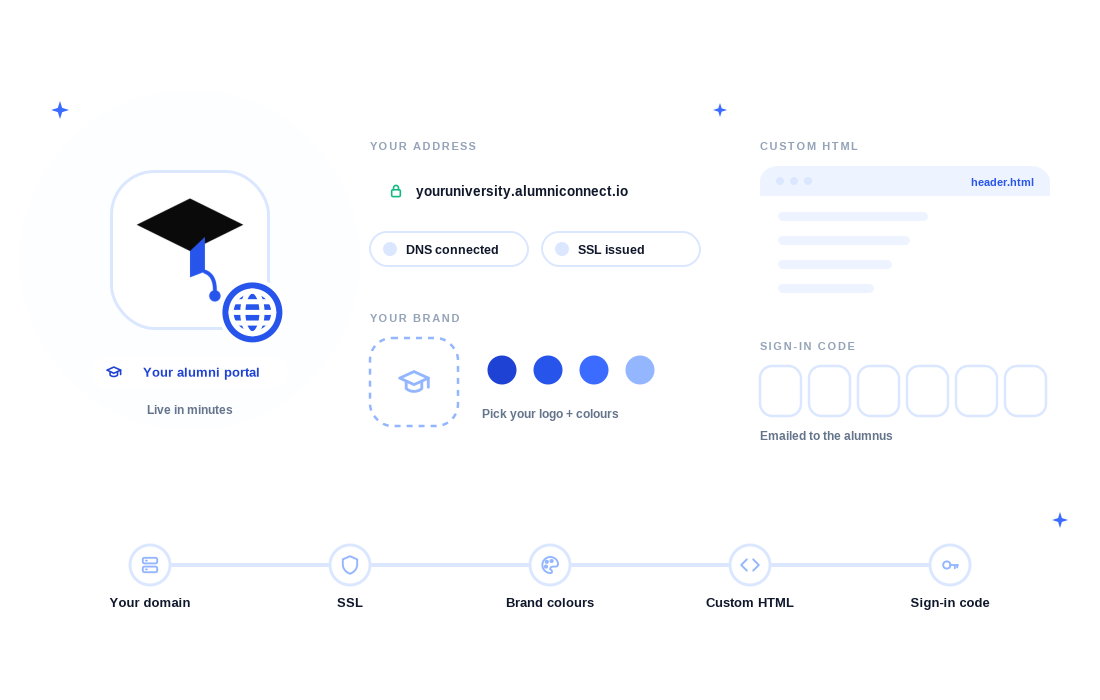
Your alumni portal
A portal that looks like your university
Every university gets its own alumni portal — on its own domain once DNS is connected. Brand it with your colours and logo, or edit the header, sections and footer as HTML. Alumni sign in with a 6-digit email code.
- Your domain, with SSL
- Brand colours, logo and custom HTML
- Email-code sign-in for alumni
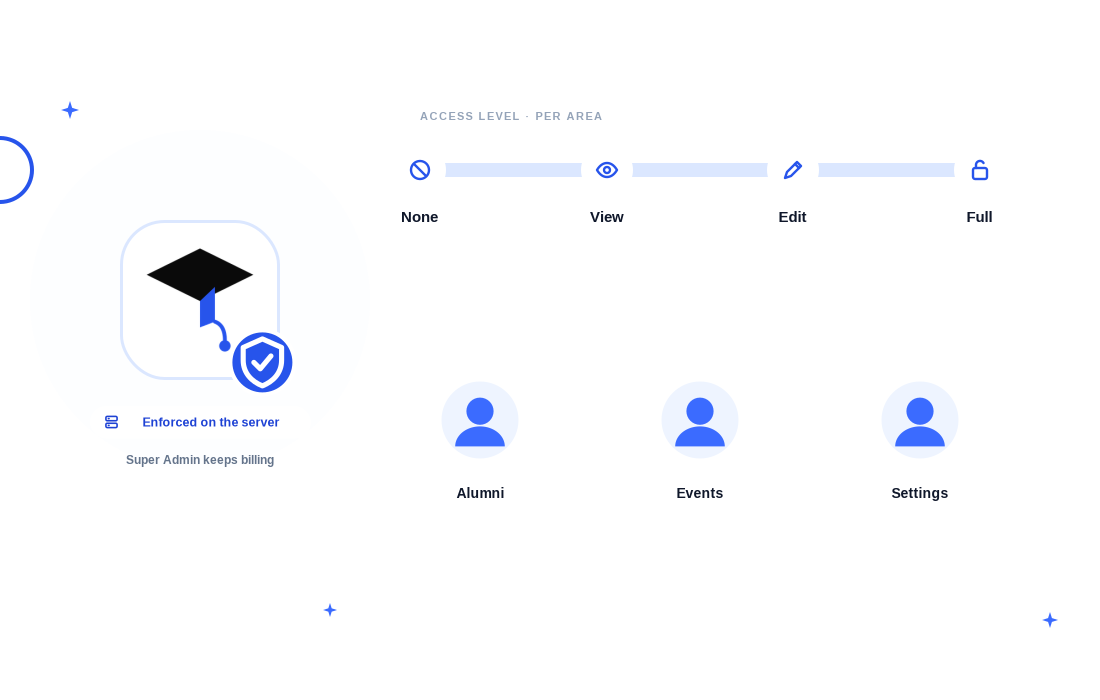
Team & access
The right access for every person on your team
Invite colleagues and give each one a level per area — None, View, Edit or Full. A volunteer can help with events without seeing billing; your Super Admin sees everything.
- Per-area levels: None, View, Edit, Full
- Enforced on the server, not just hidden
- Super Admin keeps billing and settings
AI built in
Less typing. More answers.
On Pro plans and above, AI works across the console using your university's own OpenAI key.
AI alumni search
Ask in plain words — “software engineers in Saudi Arabia from 2015” — and get the right alumni.
AI CSV mapping
Drop in any spreadsheet; AI maps your columns to the right fields before import.
AI card design
Describe the digital ID card you want and AI drafts it in your brand.
Your key, your data — AI is switched on per university in Settings → AI.
What exactly is in the platform?
One console for your alumni office: directory, events, jobs, announcements, chapters, email campaigns, fundraising, forms, digital ID cards, workflows, integrations, team access and analytics — plus a branded alumni portal for your graduates.
Can we use our own domain?
Yes. Point a DNS record at AlumniConnect and your alumni portal runs on your own domain with SSL. Until then it works on an AlumniConnect address.
How do alumni sign in?
With their email — they receive a 6-digit code. No passwords to remember unless they set one, and two-step verification is available.
Can we bring our existing alumni records?
Yes. Import a CSV of any shape — map the columns yourself or let AI map them — in chunks, with a full import history.
Are the AI features included?
AI search, AI CSV mapping and AI card design are available on Pro plans and above, using your university's own OpenAI key.
Can different staff see different things?
Yes. Each team member gets None, View, Edit or Full access per area, and it is enforced on the server.
Let's take a Live Demo
See how Alumni Connect transforms your alumni relations in 30 minutes.