
Every graduate, findable in seconds.
One searchable home for all your alumni — imported from the spreadsheets you already have, verified by your team, kept fresh by the alumni themselves, and private where they want it to be.
- 3levels
- year › batch › degree
- AIsearch
- ask in plain words
- CSV+ AI
- columns matched for you
- 4switches
- privacy per alumnus
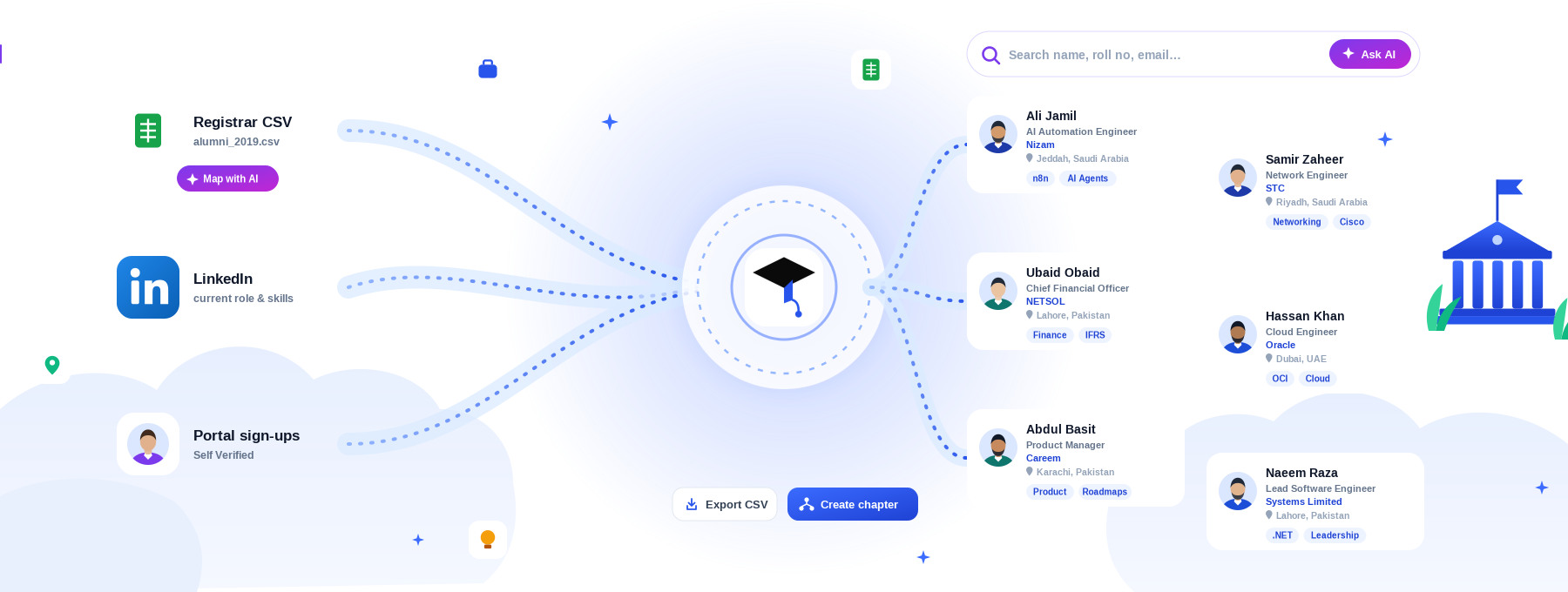
Bring everyone in
Your spreadsheet, understood.
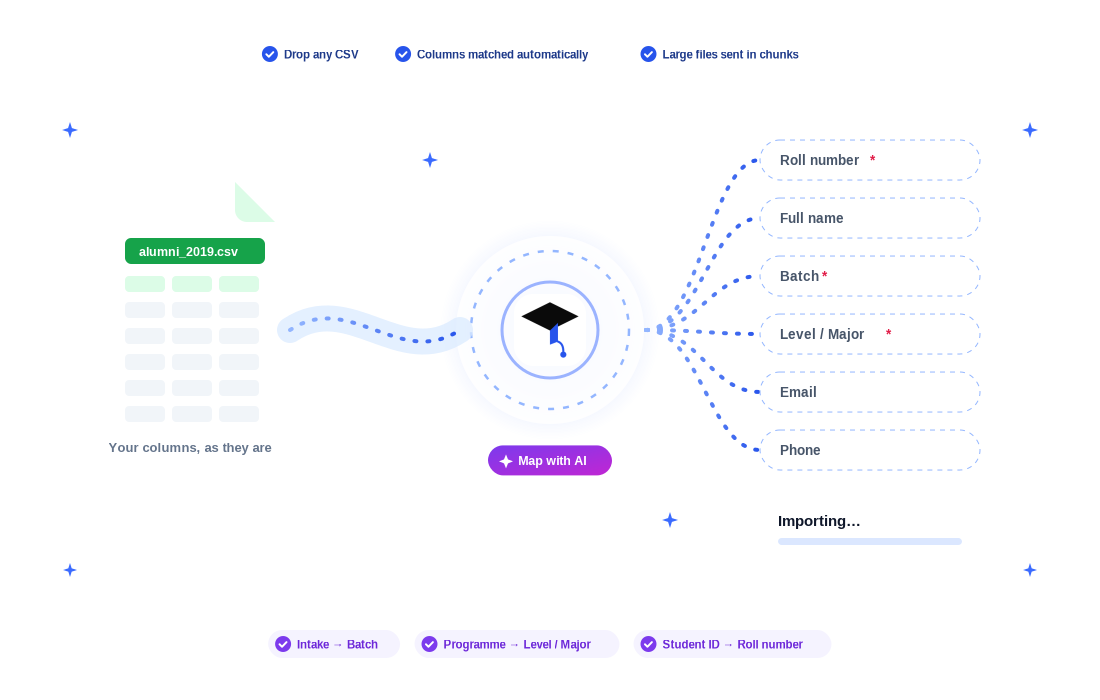
Every registrar names columns differently. Upload yours as it is — AlumniConnect matches the columns to your directory, and AI maps the unusual ones.
CSV import, any layout
Roll number, batch, level and major are all it needs; everything else is matched automatically.
Invite them to the portal
Email alumni an invitation to join, or verify trusted records yourself with no email sent.
Fill gaps from LinkedIn
Alumni can import their current role, skills and location in one click. See LinkedIn Import →
Find anyone
Ask a question. Get your people.
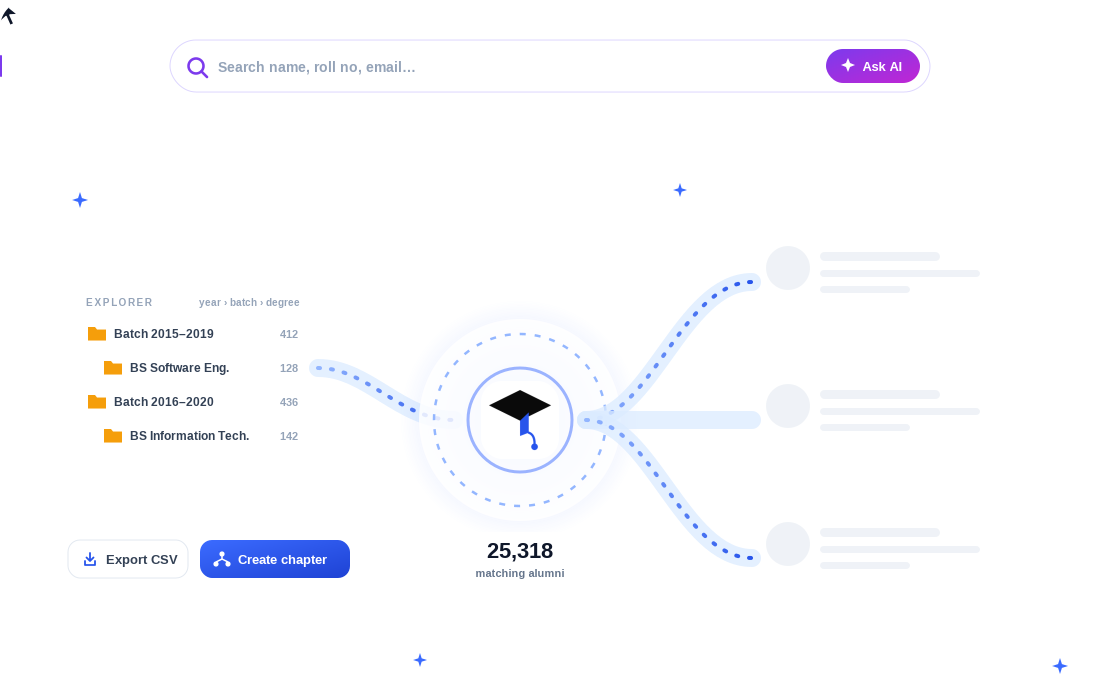
Browse by year, batch and degree, stack filters, or simply ask — and watch thousands of records narrow to the handful you need.
AI search
Type “Tech graduates working in the Gulf” and AI builds the filters for you.
Advanced filters
Location, skills, employer, work status, graduation dates, and who has an email, phone or LinkedIn.
Explorer
Drill down year › batch › degree to see exactly who graduated together.
How it works
From spreadsheet to living directory.
Four steps. Most teams are live the same week.
01
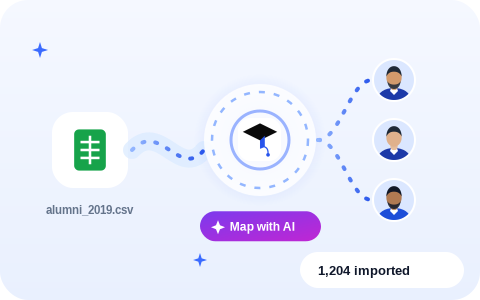
Import what you already have
Upload your registrar's spreadsheet — whatever the column names. AlumniConnect matches them to roll number, batch, degree and the rest, or lets AI map them for you.
02
Verify who's who
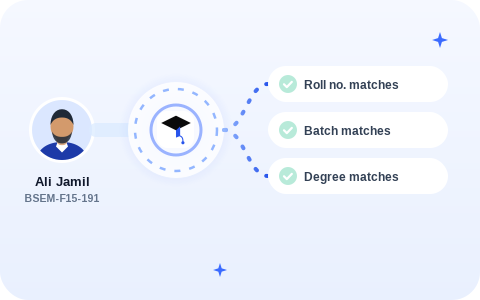
Alumni who sign up are matched to their record or wait in an approval queue. Records you already trust can be verified by your team in bulk.
03
Keep it fresh
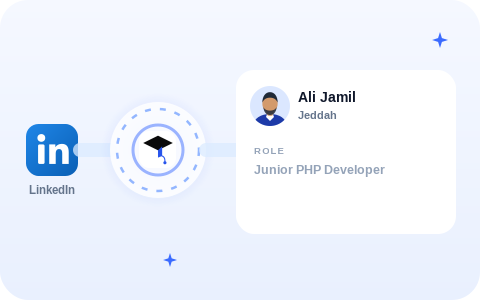
Alumni update their own profile from the portal — or pull their latest role, skills and location from LinkedIn in one click.
04
Put it to work
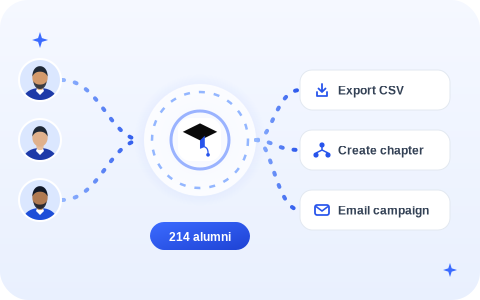
Search it, export it, turn any view into a chapter, and use it to target events, jobs and email campaigns.
Trust every record
Know exactly who's verified.
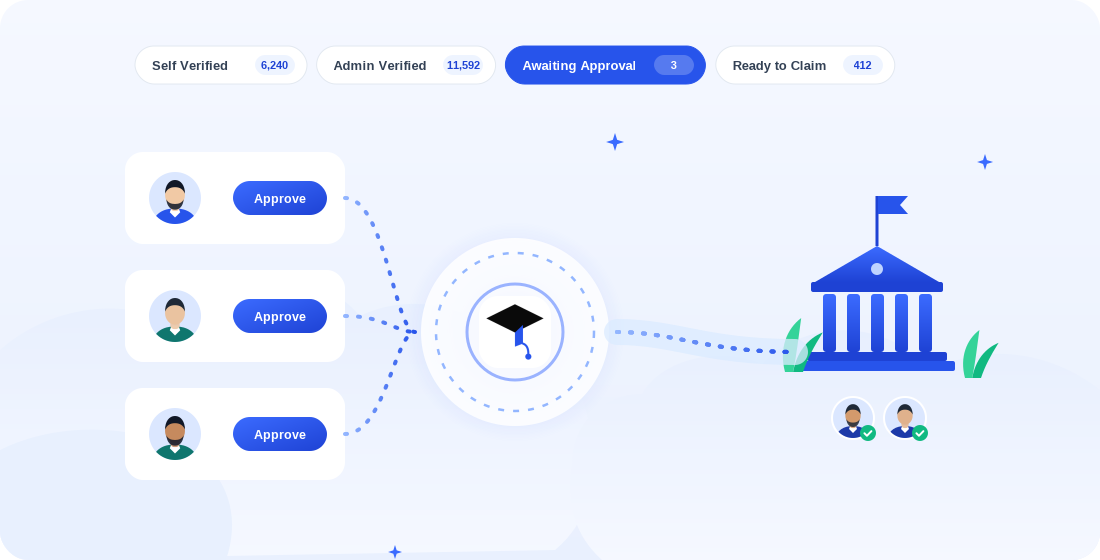
Clear tabs show who verified themselves, who your team verified, who's waiting for approval and who's ready to claim their account — so nobody slips into your directory unchecked.
Privacy, built in
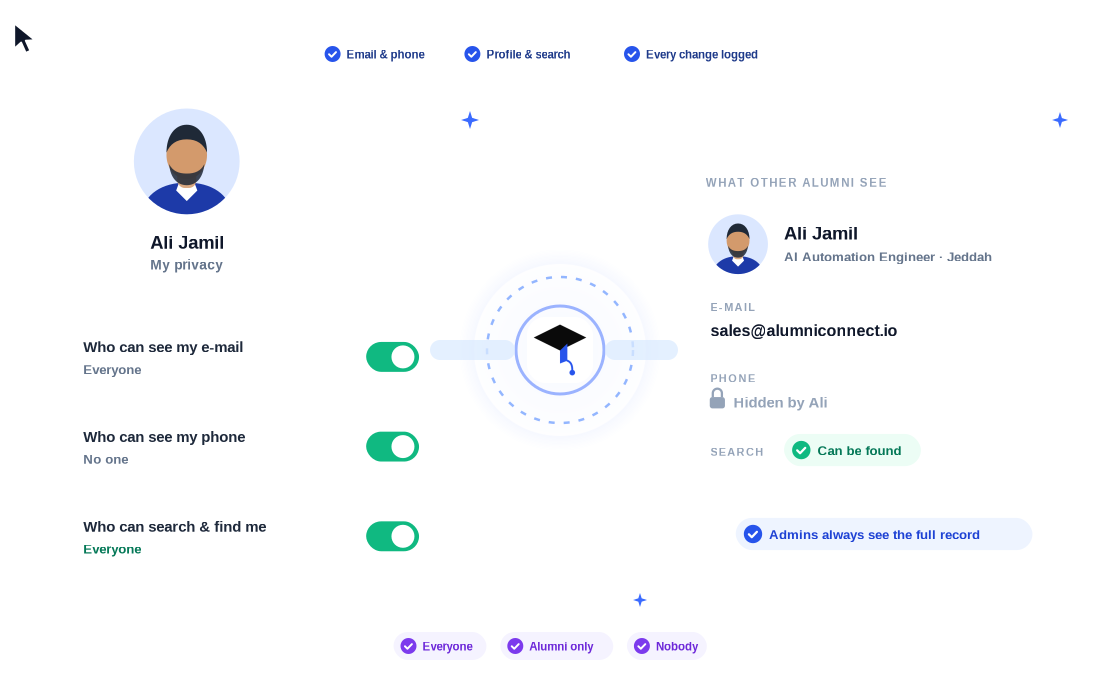
Alumni decide what others see.
Every alumnus has their own privacy switches. The alumni directory respects them; your team still works from the full record.
Email & phone
Show to everyone, alumni only, or nobody.
Profile & search
Choose whether the profile is visible and whether they appear in search.
Every change logged
Each alumnus has an activity log your team can open any time.
Put it to work
Any view, one click away.
Export to CSV
Download exactly the alumni you're looking at — ready for Excel or Google Sheets.
Create a chapter
Turn a filtered view into a chapter that keeps its filters and stays up to date on its own.
Target your outreach
Use the same filters to reach the right alumni with events, jobs and email campaigns.
Spreadsheets & old CRMs
- A different file for every graduating year
- Nobody knows which record is current
- Finding one person takes an afternoon
- Contact details shared without consent
With AlumniConnect
- One directory for every year, batch and degree
- Verified records, with a clear status
- Ask a question, get the people
- Privacy switches every alumnus controls
What do we need to import our alumni?
A CSV with at least each alumnus's roll number, batch, level and major. Any other columns — name, email, phone, city — are matched automatically, and AI can map unusual column names for you.
Can alumni see each other's contact details?
Only if they allow it. Every alumnus has privacy switches for their email, phone, profile and whether they appear in search. Hidden details are removed from the alumni directory; your admins still see the full record.
How does the AI search work?
Type what you're looking for in plain words — “Tech graduates working in the Gulf” — and AI turns it into the right filters across your directory.
How do we know a sign-up is a real alumnus?
New sign-ups are matched against your records. When there's no clean match, they wait in the Awaiting Approval tab until someone on your team approves them.
How do profiles stay up to date?
Alumni edit their own profile from the alumni portal, and can import their latest role, experience, skills and location from LinkedIn. Every change is written to the alumnus's activity log.
Can we get our data out?
Yes — export any view of the directory to a CSV in one click. Your data is always yours.
Let's take a Live Demo
See how Alumni Connect transforms your alumni relations in 30 minutes.