
A digital alumni card for every graduate.
One card design in your university's colours. Every alumnus gets their own — filled in from their record, ready to view in your portal and download in a click.
- 1design
- for your whole university
- 15+fields
- filled from each record
- 2layouts
- landscape & portrait
- 0plastic
- to print or post
Your brand
Your colours. Your logo. On every card.
The card reads your university's brand colours and logo straight from your branding settings. Change them once and every alumnus's card follows — no redesign, no re-issuing.
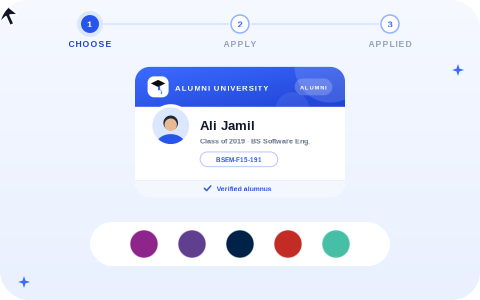
Try it — pick a colour:
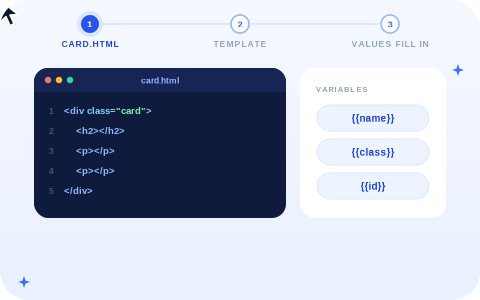
Designed as HTML
Edit it like an email template.
Your card is one HTML file. Pick a {{variable}} from the picker and drop it in — when an alumnus opens their card, it shows their real details.
- Live preview as you type
- Variable picker — no guessing field names
- Restore the default card any time
Make it yours
Every part of the card is yours to change.
Pick, click, done — the card updates as you go.
01
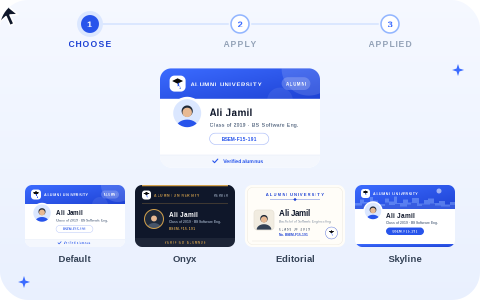
Pick a template
Start from the default card or a ready-made design from the gallery — light, dark, editorial and more.
02
Set your brand colours
The card follows your university's brand colours. Change them once and every card updates.
03
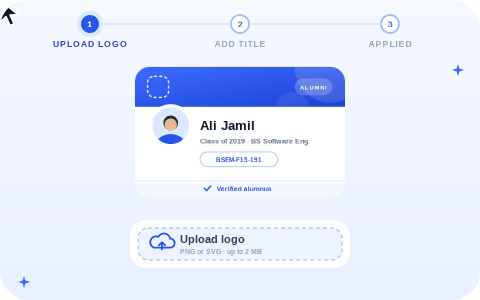
Shape the header
Your logo and university name, with the header style and logo position you want.
04
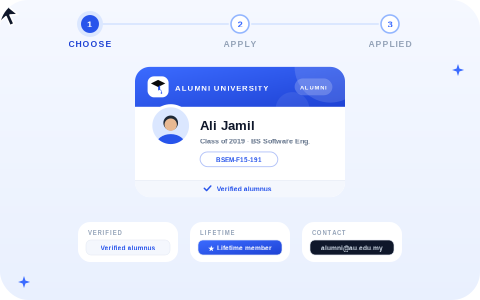
Choose the footer
Show a verified-alumnus line, a membership note or your contact details.
05
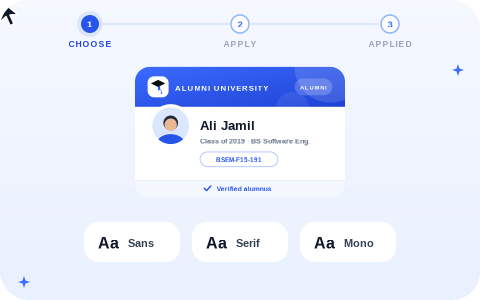
Choose the font
Set the typeface for the whole card — modern, classic or technical.
06
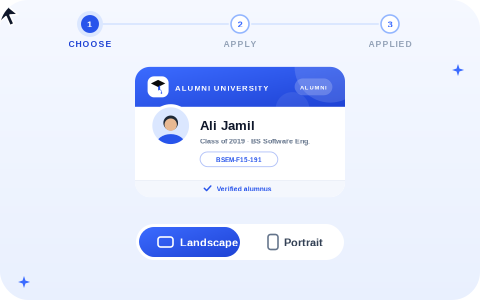
Landscape or portrait
Use a wide card or a tall badge — the details reflow to fit.
07
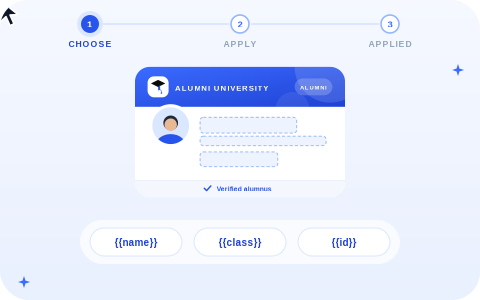
Details fill in from the record
Each {{variable}} on the card is filled from the alumnus's verified record — name, degree, batch, roll number.
08
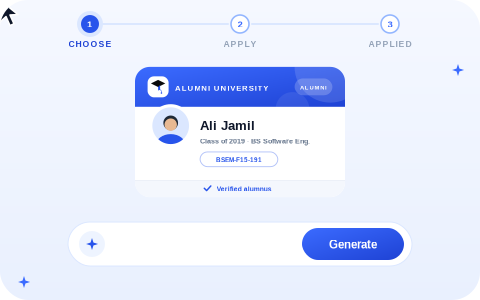
Or let AI design it
Describe the look you want and AI drafts designs to choose from. On plans with AI features.
09
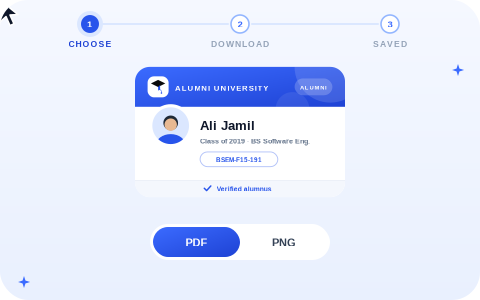
Alumni download it
Each alumnus opens their own card in your portal and saves it as a PNG, landscape or portrait.
Always accurate
Fix a record and the card is right the next time it opens.
Always on brand
Update your colours or logo once — every card follows.
Always recoverable
Restore the default card in a click if an edit goes wrong.
What exactly is the digital alumni card?
A branded ID card for every graduate, generated from one card design your university owns. Each alumnus sees their own card — with their name, photo, degree, batch, roll number and graduation year — in your alumni portal.
Do we have to design it from scratch?
No. Every university starts with a ready-made card in its own brand colours. You can keep it, pick another from the template gallery, generate one with AI, or edit the HTML directly.
How does the card get each alumnus's details?
The design uses {{variables}} — like {{alumni_first_name}} or {{alumni_roll_no}}. When an alumnus opens their card, each variable is filled from their alumni record, so the card is always as accurate as your directory.
Can alumni save or share their card?
Yes. They can download it as a high-resolution PNG, in landscape or portrait, and keep it on their phone or share it anywhere.
Is AI card design included?
Generate with AI is available on plans that include AI features, using your university's own AI key. Templates and the HTML editor are always available.
What if we break the design?
You can restore the default card at any time — your university's copy is replaced with a fresh one from the platform template.
Let's take a Live Demo
See how Alumni Connect transforms your alumni relations in 30 minutes.